In short
Replace your phone battery when its maximum capacity drops to around 80 percent, when it can no longer get you through a normal day, or straight away if it swells or the phone shuts down unexpectedly. Most people reach that point after two to three years of daily use. A replacement typically costs roughly $70 to $120 through the manufacturer, $40 to $100 at an independent shop, or $25 to $60 for a DIY kit (practical estimates that vary by model and region).
The battery is usually the first part of a smartphone to wear out. The screen, processor and camera may still feel perfectly good after three years, yet the phone needs a charger by mid afternoon. That gap is why a battery replacement is often the cheapest way to get another year or two from a phone you already like. In 14 years of following consumer tech pricing and repair, I have seen the same pattern repeat: people replace whole phones when a battery would have fixed the problem for a fraction of the cost.
This guide explains how to tell when your battery is genuinely worn, how to check its health on iPhone and Android, what you can expect to pay, and when a new phone makes more sense.
What does battery health actually mean?
Almost every modern phone uses a lithium ion battery, a rechargeable cell that stores energy by moving lithium ions between two electrodes. Each time it charges and discharges, small chemical changes reduce how much energy it can hold. This is called battery degradation, and it is normal.
Two terms matter most:
- Maximum capacity (often shown as battery health) is how much charge the battery holds today compared with when it was new. A reading of 85 percent means a full charge now holds about 85 percent of the original energy.
- Charge cycle means using 100 percent of the battery's capacity in total, not necessarily in one go. Draining from 100 to 50 percent on two separate days adds up to one cycle.
Apple states that batteries in the iPhone 14 and earlier models are designed to keep about 80 percent of their original capacity after 500 full cycles, and that iPhone 15 and later models are designed for about 1,000 cycles. Other manufacturers publish similar targets. For a typical user who runs through roughly one cycle a day, that puts noticeable wear somewhere between one and a half and three years.
How do you know when to replace your phone battery?
The 80 percent mark is the most common threshold because that is where most people start to feel the difference and where manufacturers generally consider a battery worn. But the number alone is not the whole story. Look for these signs:
- It no longer lasts your normal day. If you charged it at bedtime and needed a top up by lunch under the same habits as before, the battery is the likely cause.
- Unexpected shutdowns. A worn battery cannot always deliver peak power. The phone may switch off at 20 or 30 percent, especially in cold weather or when the camera or a game is running.
- Slower performance. Some phones reduce processor speed to prevent shutdowns when the battery is degraded. iPhones label this as peak performance management in battery settings.
- The percentage jumps around. Dropping from 40 to 10 percent in minutes suggests the battery is reporting its charge inaccurately.
- It gets unusually hot while charging or during light use.
- Swelling. A screen lifting at the edges, a back panel that bulges or a phone that rocks on a flat table are signs of a swollen battery.
A swollen battery is a safety issue, not a convenience issue. Stop charging the phone, do not press on it or try to flatten it, and take it to a repair service as soon as you can.
If your phone shows only mild battery fade, say 86 percent, and still gets you through the day, there is no need to rush. Replace on symptoms, not just on the number.
How do you check battery health on iPhone and Android?
iPhone
Go to Settings, then Battery, then Battery Health and Charging (on some recent models the information is under Battery Health). You will see the maximum capacity percentage and a message if the battery needs service. iPhone 15 and later models also show the cycle count and the date of manufacture under Settings, General, About.
Samsung Galaxy
On recent versions of One UI you can find battery information under Settings, Battery, or run a check through the Samsung Members app under Support, then Phone diagnostics, then Battery status. It reports the battery as good, normal or weak, and some newer models show a capacity estimate.
Google Pixel and other Android phones
Pixel 8a and newer models show battery health under Settings, Battery, Battery health. On older Pixels and many other Android brands, there is no official percentage. In that case, judge by behaviour: screen on time, shutdowns and how quickly the charge drops. Third party apps can estimate capacity by measuring charging over several days, but treat their figures as rough guides.
How much does a phone battery replacement cost?
Prices depend on the brand, the model, your country and where you go. The table below gives practical estimates in US dollars based on typical pricing for recent flagship and midrange phones. Always check the current quote for your exact model before booking, because manufacturers adjust these prices regularly.
| Option | Typical cost (estimate) | Turnaround | Main trade off |
|---|---|---|---|
| Manufacturer or authorised service (Apple, Samsung, Google partners) | About $70 to $120 | Same day to about a week if posted | Highest price, but genuine parts and no warranty concerns |
| Covered by warranty or extended protection plan | Often $0 if capacity is below the plan's threshold | Same day to about a week | Only applies if the battery qualifies under the plan's terms |
| Independent repair shop | About $40 to $100 | Often under an hour | Part quality varies; some phones show a non genuine part message |
| DIY replacement kit | About $25 to $60 | One to two hours of your time | Risk of damaging the screen, seals or cables |
A few points that affect the final bill:
- Newer and Pro models usually cost more. Batteries in larger phones and the latest generation tend to sit at the top of each range.
- Water resistance. Opening a phone breaks its adhesive seals. Authorised services replace them; some cheaper shops may not, which can reduce water protection.
- Hidden extras. If the screen cracks during disassembly, especially on older or already damaged phones, you may be offered a screen replacement on top.
Should you use the manufacturer, a repair shop or do it yourself?
Go to the manufacturer if
Your phone is still under warranty or an extended protection plan, it is a recent model you plan to keep for years, or you want the cleanest outcome with genuine parts. Apple's AppleCare+ and Samsung Care+ typically cover battery replacement once capacity falls below 80 percent within the coverage period.
Use an independent shop if
Your phone is out of warranty, you want it done the same day, or the manufacturer price is close to the value of the phone. Ask three questions before handing it over: is the battery new and from a known supplier, will they replace the waterproof seal, and what warranty do they give on the part. Ninety days is a common minimum; six to twelve months is better.
Do it yourself if
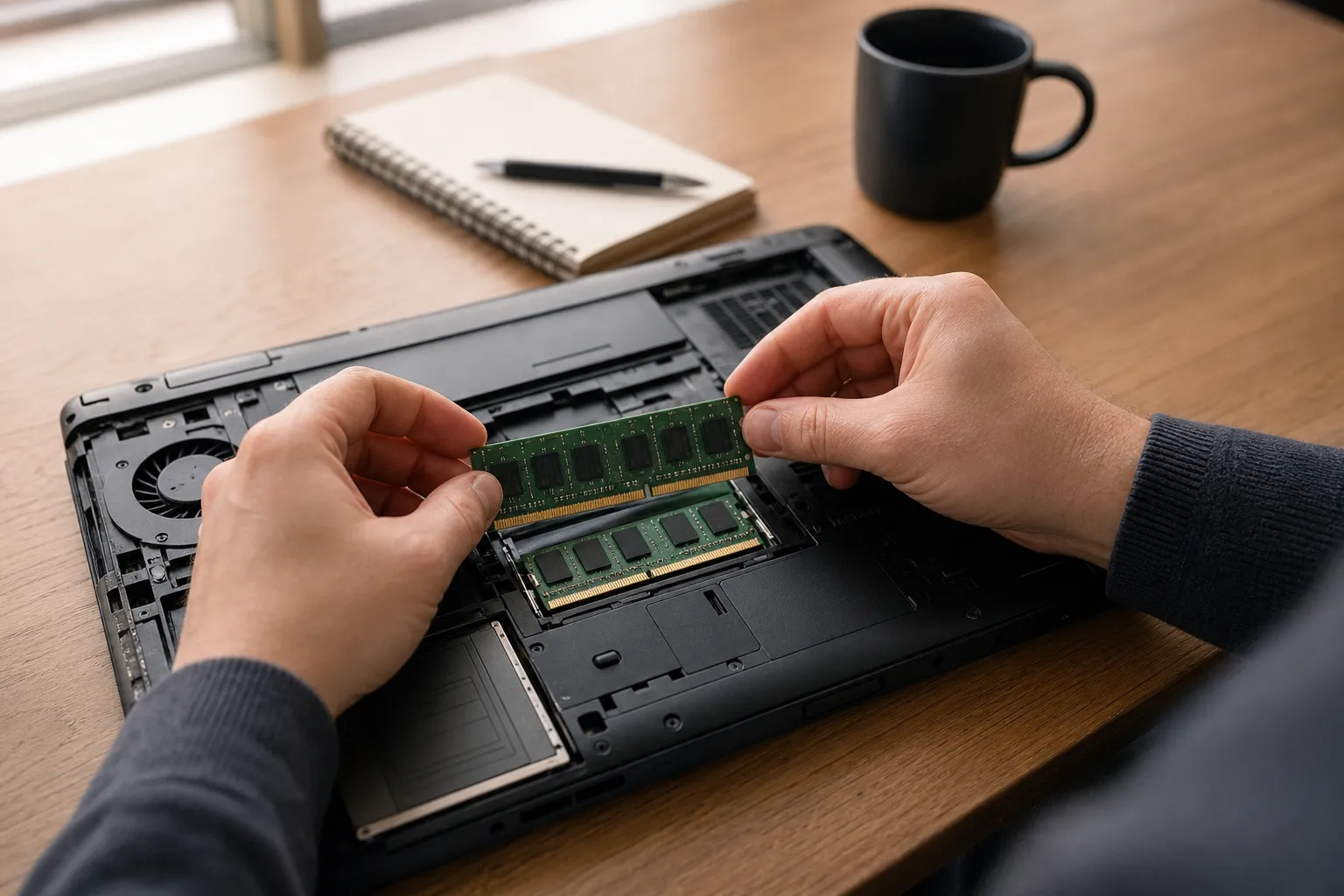
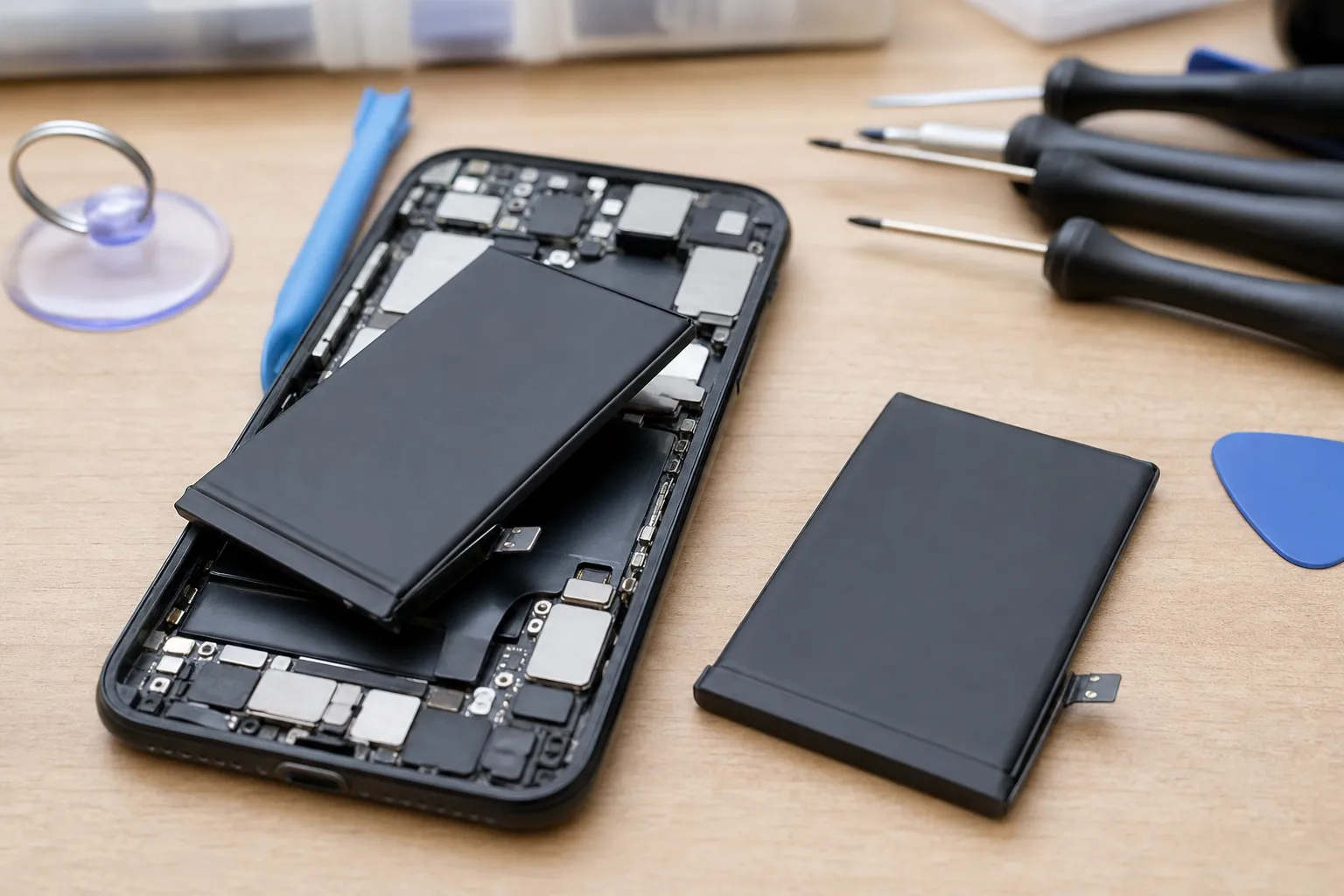
You are comfortable with small screws, heat and adhesive, and the phone is old enough that a mistake would not be costly. Several manufacturers now run self repair programmes that sell genuine parts and tool kits, and some newer phones use easier battery pull tabs. Still, removing a glued battery carries a real risk of puncture, which can cause fire. If you have never opened a phone, an older spare device is a better first project.
Is it worth replacing the battery or should you buy a new phone?
A simple rule of thumb: if the battery replacement costs less than about a quarter of what a comparable new phone would cost, and the phone still receives software updates, replace the battery. For most phones under four years old, that is clearly the better deal.
Consider a new phone instead when:
- The manufacturer has stopped or will soon stop providing security updates for your model.
- The phone has other faults, such as a cracked screen, a failing charging port or weak storage, that would push the total repair bill close to the price of a new device.
- It is genuinely too slow for the apps you use, even right after a restart.
- The battery replacement price is more than the phone would sell for in good condition.
A fresh battery also raises resale and trade in value, since buyers and trade in programmes often check battery health. If you plan to sell within a year, a replacement can partly pay for itself.
How can you make the new battery last longer?
Heat and time spent at full charge are the two biggest drivers of wear. These habits help:
- Turn on optimised or adaptive charging. iPhone, Samsung and Pixel phones can hold the charge at 80 percent and finish just before you usually unplug. Some models let you cap charging at 80 percent permanently.
- Avoid heat. Do not leave the phone on a car dashboard, under a pillow while charging, or gaming while plugged into a fast charger.
- Skip deep discharges when you can. Keeping the battery roughly between 20 and 80 percent is easier on it than running to zero regularly.
- Use decent chargers and cables. Certified accessories from reputable brands manage power more safely than unbranded ones.
- Store it half charged. If you are putting a phone away for months, leave it around 50 percent and power it down.
None of this stops degradation, but it can slow it enough that your next replacement comes a year later than it otherwise would.
Frequently asked questions
Written by
Marcus Delacroix-WhitfieldSenior technology and retail analyst, 14 years
Marcus spent 9 years in product and pricing roles at two mid sized e-commerce companies before moving into independent analysis. He has tested more than 300 consumer gadgets and AI tools, and tracks how small businesses actually adopt them, including what they cost per month and where they save time. At Freshmane he writes buying guides and plain language explainers on AI for shoppers and owners of small firms.