In short
Choose an iPhone if you want a simple, consistent experience, long software support on every model, strong resale value, or you already use a Mac, iPad or Apple Watch. Choose Android if you want more choice of price, size and design, deeper customization, or the best value under about $400. At the flagship level both are excellent, so your existing devices and budget should decide.
Few buying decisions trigger as much loyalty as the iPhone vs Android question. After 14 years of reviewing phones and watching how people actually use them in stores and at home, I can tell you the honest answer is less dramatic than online arguments suggest. Both platforms are mature, fast and secure at the top end. The differences that matter now are about cost over time, how long your phone keeps receiving updates, and which other devices you already own.
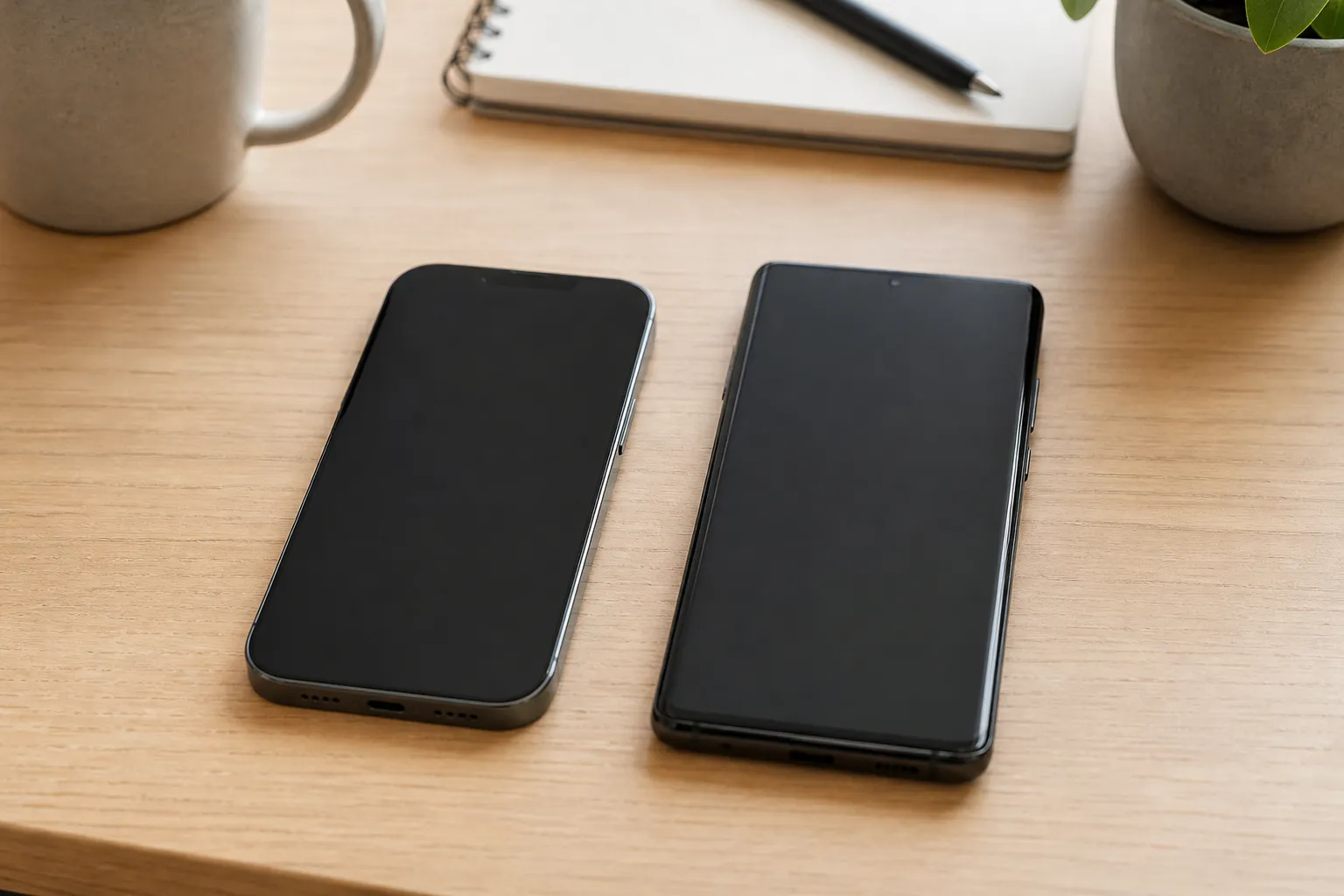
First, two definitions. iOS is the operating system Apple makes, and it runs only on Apple's own iPhones. Android is the operating system developed by Google and licensed to many manufacturers, including Samsung, Google's own Pixel line, Motorola, OnePlus and Xiaomi. That single structural difference explains most of what follows: Apple controls the hardware and software together, while Android offers variety across dozens of brands and price points.
What is the real difference between iPhone and Android?
The core trade is control versus choice. Apple releases a small number of iPhone models each year, all running the same software, all updated on the same day. Android spans hundreds of models from phones under $150 to folding devices over $1,800, and each manufacturer adds its own interface on top of Google's base software. Samsung calls its version One UI; Google's Pixel phones run a cleaner version close to what Google designs.
In practice this means an iPhone behaves almost the same no matter which model you buy, while two Android phones can feel quite different. Neither approach is better in the abstract. It depends on whether you value predictability or options.
Things that are now mostly equal
- App selection: nearly every major app, from banking to streaming to messaging, exists on both platforms.
- Charging port: recent iPhones use USB C, the same standard as Android, so cables are shared.
- Messaging: since iOS 18, iPhones support RCS (Rich Communication Services), the modern texting standard Android uses, so photos and group chats between platforms work far better than they used to. iMessage itself is still Apple only.
- Camera quality at the top end: flagship iPhones, Pixels and Galaxy phones all take excellent photos. Differences are mostly about color style and processing taste.
Which is easier to use?
For people who want the phone to simply work without settings to manage, the iPhone remains the easier recommendation. Settings live in predictable places, family members can help each other because every iPhone looks alike, and Apple Store staff can troubleshoot in person in many cities.
Android rewards people who like to adjust things. You can change the default apps for browsing, messaging and maps, rearrange the home screen freely, install apps from outside the Google Play Store, and use widgets and launchers that reshape the whole interface. Apple has opened up some customization in recent iOS versions, but Android still goes further.
If you are buying for a parent or someone less comfortable with technology, ease of support often matters more than features. Choose whatever platform the person who will help them already knows.
Which phone lasts longer and gets updates longer?
Software updates deliver security fixes and new features, and they decide how long a phone stays safe to use. This is where the gap has narrowed most.
Apple has historically supported iPhones with iOS updates for roughly six to seven years after release, and that applies to every model it sells, including the cheaper ones. On Android, Google (Pixel 8 and newer) and Samsung (Galaxy S24 and newer flagships) now promise seven years of updates. However, many budget and midrange Android phones from other brands still get only two to four years. Always check the update promise for the exact model before you buy.
Hardware durability and repairs
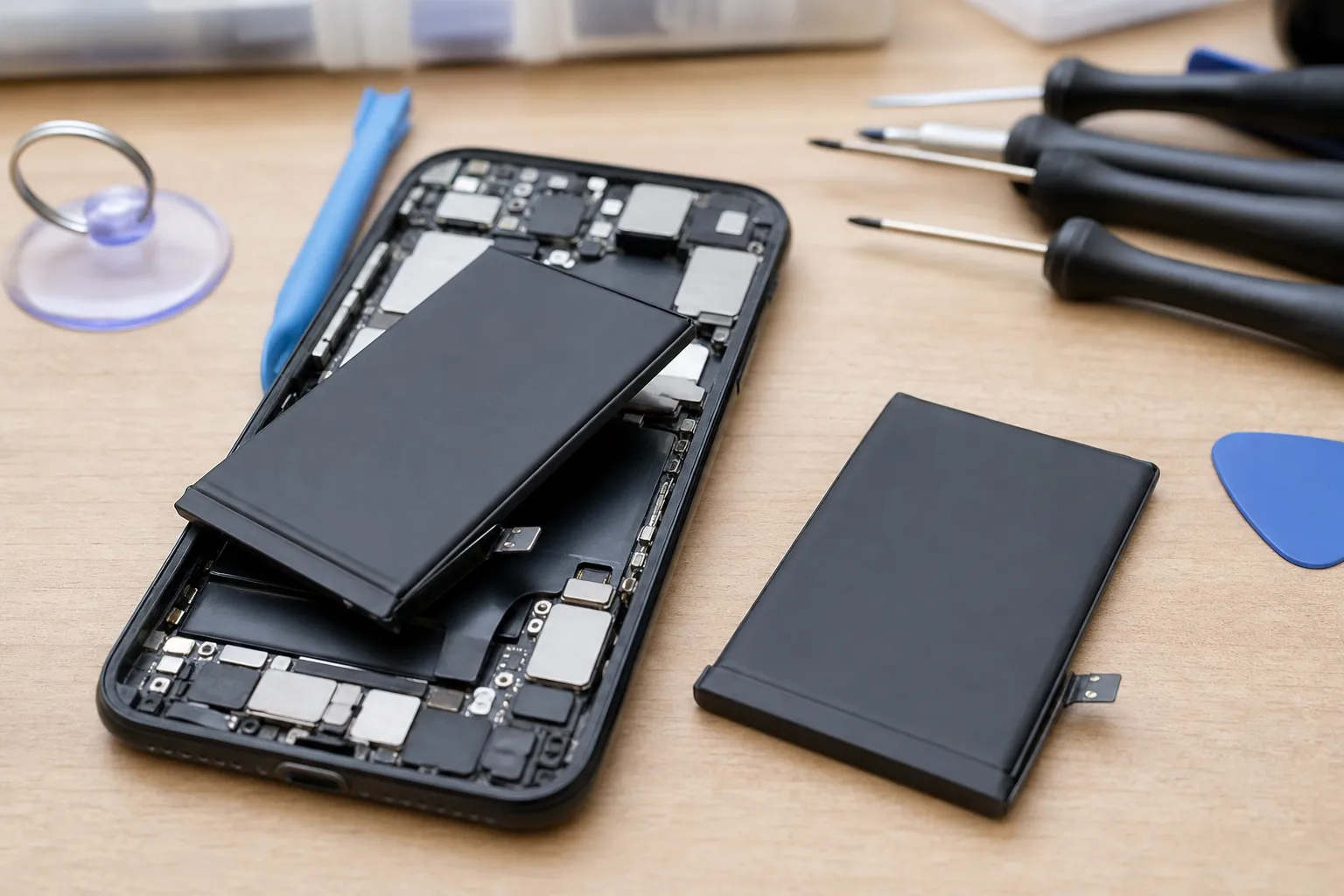
Build quality at the flagship level is similar across both platforms, with glass backs, aluminum or titanium frames and water resistance. Battery health is usually the first thing to decline. As a practical estimate, expect noticeable battery wear after two to three years of daily use on any phone, and budget for a battery replacement if you plan to keep a device for five years or more.
Which costs less over the life of the phone?
Sticker price is only part of the cost. Resale value, accessories and subscriptions all add up. The table below uses rough estimates based on typical US pricing; actual numbers vary by model, region and timing.
| Factor | iPhone | Android |
|---|---|---|
| Entry price for a new phone | About $599 for the cheapest current model | From about $150 for basic models |
| Flagship price | Roughly $800 to $1,200 | Roughly $700 to $1,300; foldables higher |
| Resale value after two years (estimate) | Often around 40 to 55 percent of original price | Often around 25 to 45 percent for flagships, lower for budget models |
| Software support | Long on every model | Seven years on top Pixel and Samsung models; shorter on many others |
| Discounts and deals | Mostly carrier and trade in offers | Frequent price cuts a few months after launch |
The pattern is clear. If you spend under about $400, Android gives you far more phone for the money. If you buy a flagship and sell or trade it in after two or three years, an iPhone's stronger resale value can close much of the gap. Android flagships often drop in price quickly after launch, which is good news if you buy a few months late.
How does your ecosystem affect the choice?
An ecosystem is the set of devices and services from one company that work together. For many people this is the deciding factor.
Apple's ecosystem is tightly connected. An iPhone pairs instantly with AirPods, unlocks a Mac, copies text to an iPad, and is required to set up and use an Apple Watch. iCloud backs everything up, and Family Sharing makes managing kids' devices simpler.
Android works smoothly with Google services such as Gmail, Google Photos and Google Drive, and with Windows PCs through Microsoft's Phone Link app. Samsung offers its own connected set of watches, earbuds, tablets and laptops. Wear OS watches and a wide range of earbuds give you more brand choice than Apple's lineup.
A simple rule: if you own a Mac or an Apple Watch, switching away from iPhone will cost you convenience. If you live in Windows and Google services, Android will feel more natural, though Google's apps also run well on iPhone.
Is iPhone or Android better for privacy and security?
Both platforms are secure when kept updated. Apple's closed approach means apps come almost entirely through its App Store, which limits the risk of harmful downloads, and Apple builds much of its marketing around privacy features like App Tracking Transparency, which asks your permission before apps track you across other apps.
Google's business relies more on advertising, but modern Android includes strong permission controls, Google Play Protect scanning, and on Pixel phones, a dedicated security chip. The bigger security risk on Android is buying a phone with a short update window, or installing apps from unknown sources. Pick a model with long support and stick to trusted app stores, and the practical difference for most people is small.
Which should you choose? A quick checklist
Work through these questions in order. The first one that clearly applies to you usually settles it.
- Do you own an Apple Watch, Mac or iPad you rely on? Choose iPhone.
- Is your budget under about $400 for a new phone? Choose Android, and favor Samsung's A series or Google's Pixel a series for longer support.
- Do you want a folding phone, a stylus, or an unusual size? Choose Android.
- Will you resell or trade in within two to three years? iPhone usually returns more money.
- Are you buying for someone who needs simple support? Match the platform the helper knows.
- Do you enjoy customizing your home screen and default apps? Choose Android.
- None of the above? Try both in a store for ten minutes each, and buy the one that feels natural in your hand.
How hard is it to switch between iPhone and Android?
Switching is easier than it was five years ago. Apple's Move to iOS app transfers contacts, messages, photos and calendars from Android, and Google offers a similar tool for moving the other way. Expect the process to take roughly 30 minutes to a few hours depending on how much data you have.
A few things do not transfer cleanly:
- Paid apps: purchases do not carry across stores, so you may need to buy some apps again.
- iMessage history and group chats: leaving iPhone means turning off iMessage so texts reach your new number reliably.
- Accessories: an Apple Watch will not work with Android, and some earbud features are platform specific.
- Two factor authentication apps: move these carefully, account by account, before resetting your old phone.
My advice after years of watching people make this choice: do not switch just to try something new if your current setup works well. Switch when your devices, budget or needs have genuinely changed, and plan the move for a quiet evening rather than the day your old phone dies.
Frequently asked questions
Written by
Marcus Delacroix-WhitfieldSenior technology and retail analyst, 14 years
Marcus spent 9 years in product and pricing roles at two mid sized e-commerce companies before moving into independent analysis. He has tested more than 300 consumer gadgets and AI tools, and tracks how small businesses actually adopt them, including what they cost per month and where they save time. At Freshmane he writes buying guides and plain language explainers on AI for shoppers and owners of small firms.