In short
For most people buying a laptop today, 16GB of RAM is the right amount for work, school, and everyday multitasking, and it is the minimum for a gaming laptop. Choose 32GB if you edit video, run virtual machines, work with large datasets, or want a gaming machine that stays comfortable for five years or more. Treat 8GB as a budget compromise suited only to light browsing and documents.
RAM is one of the few laptop specs that directly decides whether a machine feels quick or sluggish two years after you buy it. It is also one of the specs retailers use most aggressively to separate price tiers, so it pays to know exactly how much you need before you shop. After 14 years of testing and reviewing laptops for retail buyers, my short answer is that the right number depends far less on brand and far more on what you keep open at the same time.
This guide explains what RAM does, how much each type of user actually needs, and which related details (speed, upgradability, and shared graphics memory) matter just as much as the headline number.
What is RAM and why does it matter in a laptop?
RAM (random access memory) is the short term working space your laptop uses for everything that is currently running: the operating system, open apps, browser tabs, and files you are editing. It is far faster than your storage drive, but it is cleared every time the laptop shuts down. Storage, usually an SSD (solid state drive), is where files live permanently.
When RAM fills up, the operating system starts moving data out to the SSD in a process called swapping or paging. Modern SSDs are fast, but still much slower than RAM, so you notice it as stuttering, tabs that reload when you switch back to them, and apps that pause before responding. Having enough RAM does not make a laptop faster in a single task; it keeps the laptop from slowing down when you do several things at once.
Key terms you will see on spec sheets
- GB (gigabytes): the capacity of the memory. Common laptop sizes are 8GB, 16GB, 32GB, and 64GB.
- DDR4, DDR5, LPDDR5, LPDDR5X: memory generations. DDR5 and LPDDR5X are newer and faster. The "LP" stands for low power and is common in thin laptops.
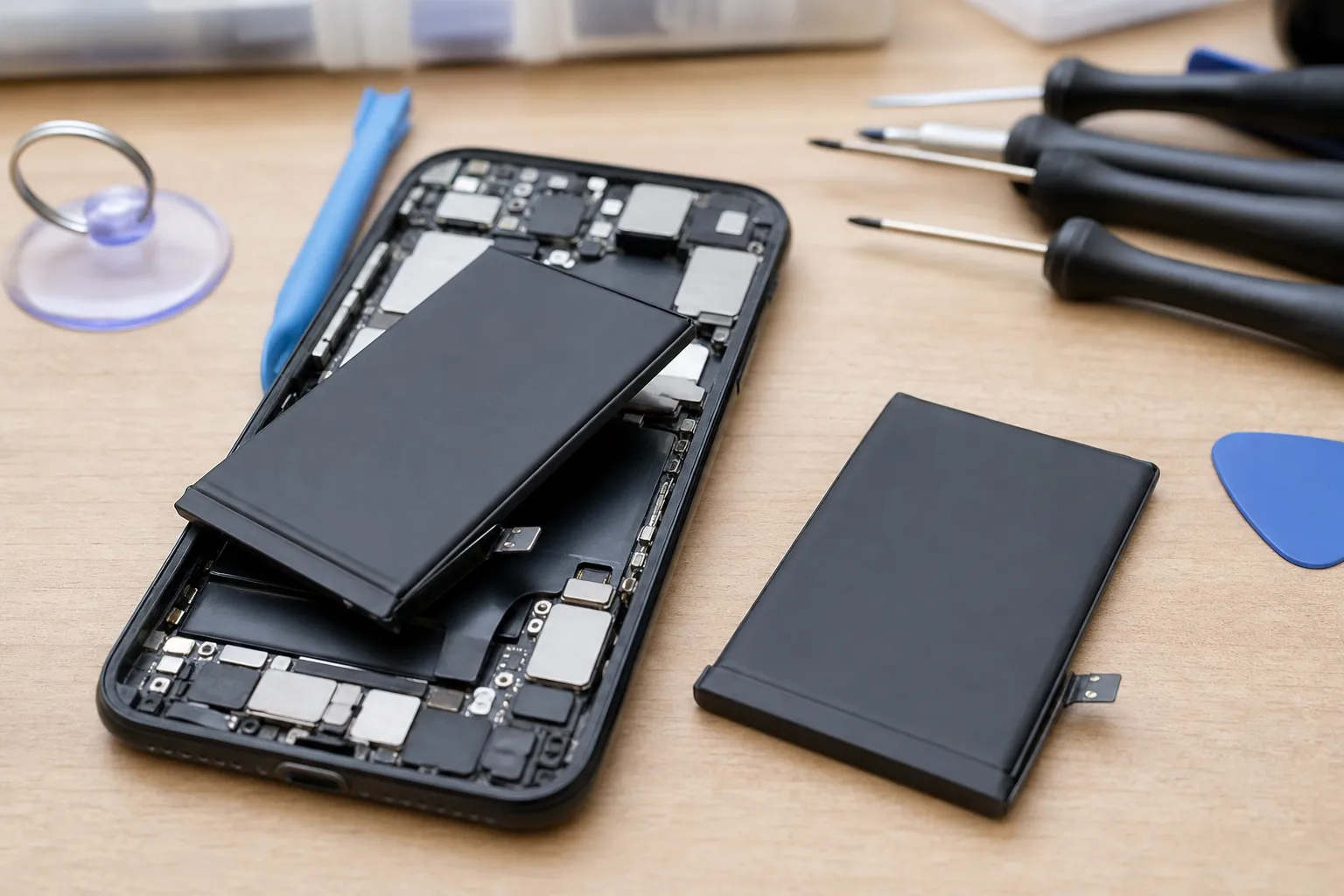
- Soldered memory: RAM attached permanently to the motherboard. It cannot be upgraded later.
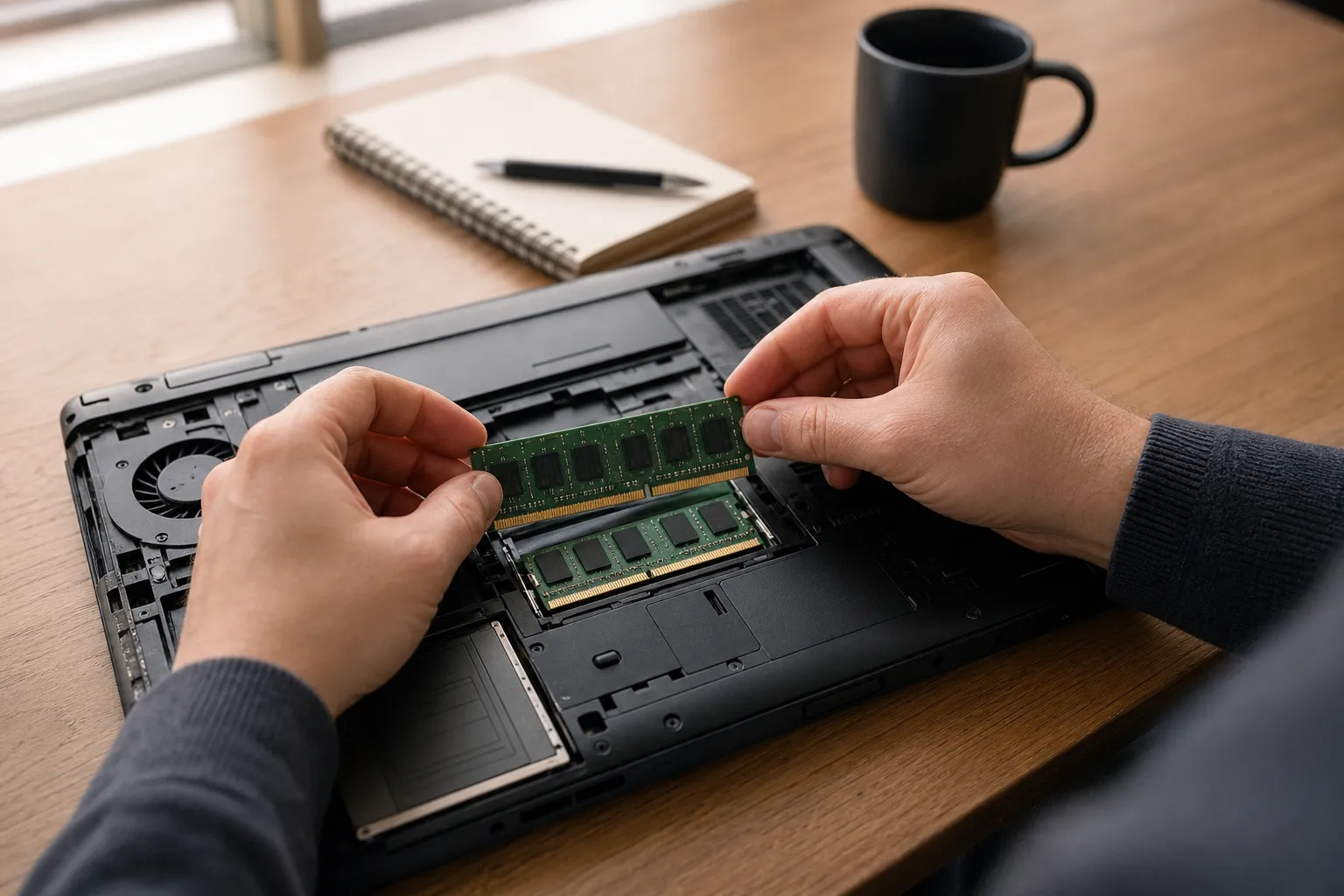
- SO-DIMM slots: removable memory sticks used in laptops that allow upgrades.
- Unified memory: the approach Apple uses in its M series Macs, where the processor and graphics share one pool of memory.
How much RAM do I need for work and office tasks?
Office work sounds light, but modern work software is not. A typical workday might include a browser with 20 or more tabs, Microsoft Teams or Zoom, Outlook, Slack, a few spreadsheets, and a PDF viewer. Many of these apps run on web technology that uses more memory than their simple interfaces suggest.
As a practical estimate, Windows 11 itself typically uses around 3GB to 4GB at idle, and a busy browser session can easily add another 4GB to 6GB. Add a video call and a couple of collaboration apps and you are past 8GB before you open a large spreadsheet.
- 8GB: workable for email, documents, and light browsing, but expect slowdowns during video calls with many tabs open.
- 16GB: the comfortable standard for nearly all office, sales, management, and remote work roles.
- 32GB: worth it for developers, data analysts working with large Excel files or Power BI, anyone running virtual machines, and people who keep dozens of tabs open across several browser profiles.
One useful signal: Microsoft requires at least 16GB for laptops sold under its Copilot+ PC label, and Apple raised the base memory of its Mac laptops to 16GB in late 2024. Manufacturers are treating 16GB as the new baseline, and software will increasingly assume it.
How much RAM do I need for school and college?
Student needs vary more than most buyers expect, so it helps to split them by grade level and field of study.
Primary and secondary school
Younger students mostly use a browser, Google Docs or Microsoft Word, and learning platforms. A Chromebook with 8GB is fine here because ChromeOS is lighter than Windows. On a Windows laptop, 8GB will work, but 16GB gives a much better experience if the laptop needs to last through several school years.
University and college
For most degree programs, 16GB is the sensible choice. A laptop bought in the first year should still be usable in the final year, and 16GB gives room for research tabs, reference managers, and video lectures running together.
Some courses push higher:
- Engineering and architecture: CAD tools such as AutoCAD, SolidWorks, or Revit benefit from 32GB.
- Computer science: 16GB is the minimum; 32GB helps if you run containers, virtual machines, or local AI models.
- Film, media, and design: 32GB for video editing and large Photoshop or Illustrator files.
- Data science: 32GB if you work with large datasets in Python or R on the laptop itself.
Always check your department's published laptop recommendations before buying. Many universities list minimum specs for specific courses.
How much RAM do I need for gaming?
Gaming laptops have a different memory picture because they usually include a dedicated graphics card (GPU) with its own separate video memory, called VRAM. System RAM and VRAM do different jobs: VRAM holds textures and graphical data, while system RAM handles the game's logic, the operating system, and anything running in the background.
For current games, 16GB of system RAM is the practical minimum. Many recent big budget releases list 16GB as their recommended spec, and some now recommend 32GB for high settings. Gamers also rarely run a game alone; Discord, a browser, a game launcher, and streaming software all take their share.
- 16GB: good for esports titles such as Valorant, League of Legends, and Fortnite, and acceptable for most current games.
- 32GB: the better choice for demanding open world games, modding, streaming while playing, or keeping the laptop for four to five years.
- 64GB: unnecessary for gaming alone.
Remember that VRAM matters too. A laptop with 32GB of system RAM but a GPU with only 4GB of VRAM will still struggle at high texture settings. For modern games, 8GB of VRAM is a reasonable target.
How much RAM do creative professionals and power users need?
Video editing, 3D work, music production, and software development are where RAM shortages become expensive in lost time.
| Use case | Minimum | Recommended | Notes |
|---|---|---|---|
| Browsing, email, streaming | 8GB | 16GB | 8GB is fine on ChromeOS |
| Office work and remote meetings | 8GB | 16GB | Video calls add noticeable load |
| School and university | 8GB | 16GB | Check course requirements |
| Gaming | 16GB | 32GB | Also check GPU VRAM |
| Photo editing | 16GB | 32GB | Large RAW files use more |
| 1080p video editing | 16GB | 32GB | Longer timelines need more |
| 4K video editing, 3D rendering | 32GB | 64GB | Effects and multicam add load |
| Software development, virtual machines | 16GB | 32GB or more | Each VM needs its own allocation |
| Running local AI models | 16GB | 32GB to 64GB | Larger models need much more |
These figures are practical estimates based on typical workloads, not hard limits. Your own mix of apps may push you up or down a tier.
Does RAM speed, type, or upgradability matter?
Capacity is the most important number, but three other details affect real world performance and the lifespan of the laptop.
Soldered versus upgradeable memory
Many thin laptops, including all current MacBooks and most ultrabooks, have soldered RAM. Whatever you buy is what you keep for the life of the device. This is the strongest reason to buy more RAM up front on these models. Gaming laptops and some business laptops still use SO-DIMM slots, which means you can start with 16GB and upgrade later at lower cost.
Integrated graphics share your RAM
Laptops without a dedicated GPU use integrated graphics, which borrow part of the system RAM as video memory. On an 8GB laptop, a portion of that is reserved for graphics, leaving even less for apps. This is another reason 16GB is the safer choice on thin and light machines.
Dual channel and speed
Two memory modules working together (dual channel) give noticeably better performance than a single module, especially for integrated graphics. If a laptop has slots, a 2 x 8GB setup beats a single 16GB stick. Newer memory such as DDR5 or LPDDR5X helps too, though speed differences matter less than having enough capacity.
Is 8GB on a Mac different?
Apple's unified memory and efficient memory compression let 8GB Macs feel smoother than 8GB Windows laptops for light work. Even so, the shared pool covers graphics as well, and memory cannot be added later. If you find an older 8GB model on discount, it suits light users only.
How do I check whether I need more RAM?
If you already own a laptop and want to know whether your next one needs more memory, test your real workload:
- Open everything you normally use during a busy day.
- On Windows, open Task Manager (Ctrl + Shift + Esc) and look at Memory under the Performance tab.
- On a Mac, open Activity Monitor and check the Memory Pressure graph at the bottom of the Memory tab.
- If usage regularly sits above about 85 percent on Windows, or memory pressure shows yellow or red on a Mac, your next laptop should have the next tier up.
My buying rule after years of watching return rates and customer complaints is simple: buy for the workload you will have in three years, not the one you have today. The price gap between 8GB and 16GB is usually small compared to replacing a laptop early, and on soldered machines it is the only chance you get.
Frequently asked questions
Written by
Marcus Delacroix-WhitfieldSenior technology and retail analyst, 14 years
Marcus spent 9 years in product and pricing roles at two mid sized e-commerce companies before moving into independent analysis. He has tested more than 300 consumer gadgets and AI tools, and tracks how small businesses actually adopt them, including what they cost per month and where they save time. At Freshmane he writes buying guides and plain language explainers on AI for shoppers and owners of small firms.