
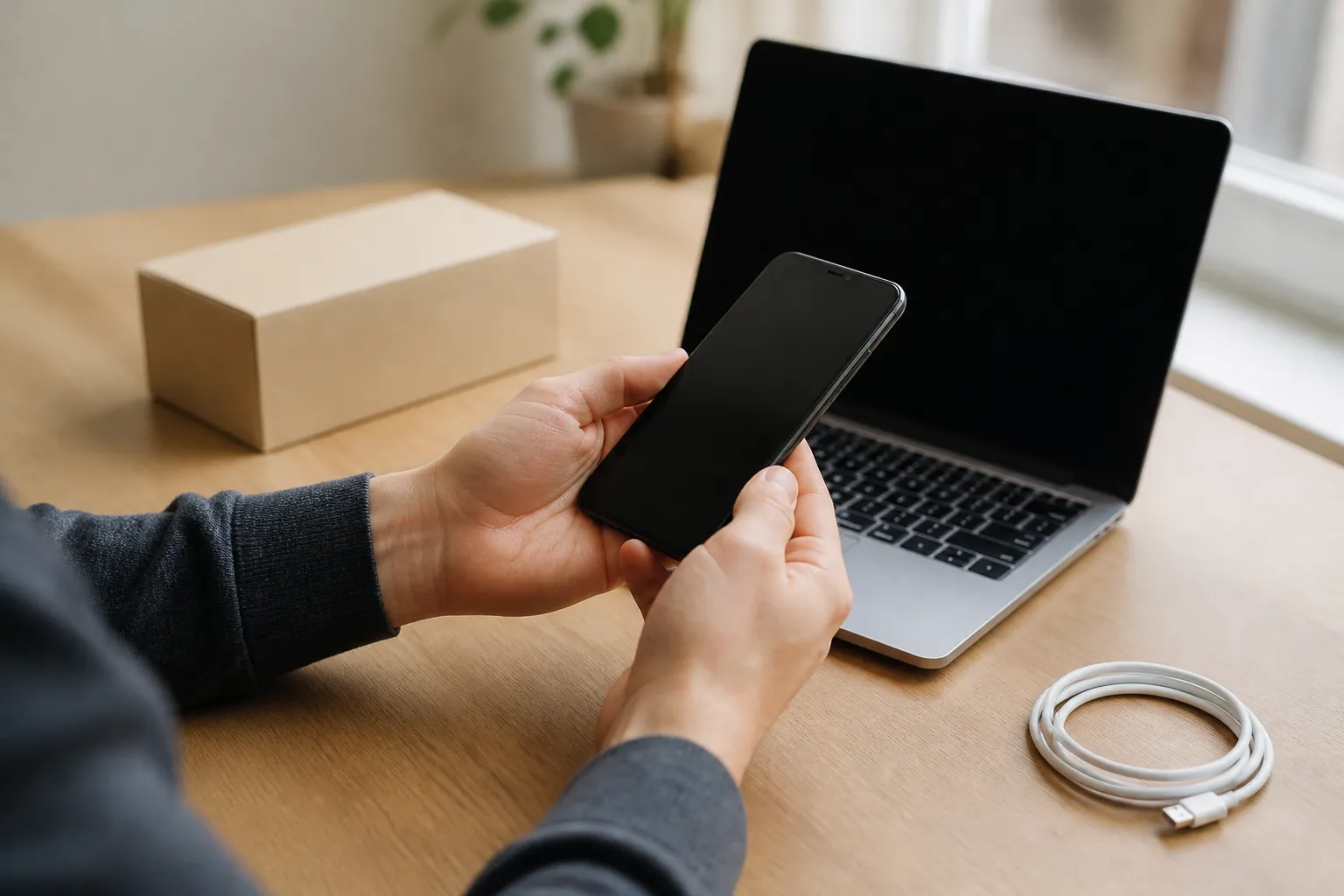
In short
Refurbished tech is usually worth it when you buy from a seller that offers at least a 12 month warranty, a return window of 14 to 30 days, and a clear grading system, and when the price is meaningfully below new. Phones, laptops, tablets and monitors are the safest categories. Skip deals where the seller is vague about condition, battery health or who did the refurbishment.
A new flagship phone now costs well over a thousand dollars in many markets, and a capable laptop is not far behind. That has pushed refurbished tech from a niche bargain bin into a mainstream choice, sold by manufacturers, big retailers and specialist marketplaces. The question I hear most often after 14 years covering technology retail is simple: is refurbished worth it, or am I buying someone else's problem?
The honest answer is that refurbished can be an excellent deal or a frustrating one, and the difference almost always comes down to a handful of checks you can make before paying. This guide walks through what the label actually means, which devices are safe bets, and exactly what to verify.
What does refurbished actually mean?
Refurbished describes a product that was returned, traded in or taken out of service, then inspected, tested, repaired where needed, cleaned and resold. The key word is tested. A plain used item is sold as is, with no guarantee anyone checked it beyond turning it on.
Several related labels get mixed up, so it helps to separate them:
- Manufacturer refurbished (often called certified refurbished): the brand itself, or a partner it authorizes, restores the device with original parts and usually sells it with the same warranty as new.
- Seller refurbished: an independent company does the work. Quality ranges from excellent to poor depending on the business.
- Renewed: a retailer's marketing term, commonly used on large marketplaces, for devices restored by approved independent sellers. Standards are set by the marketplace, not the brand.
- Open box: a product that was opened and returned, often barely used. It may or may not have been tested.
- Used or preowned: sold in whatever state it arrived, with little or no inspection.
How condition grades work
Most refurbishers use a grading system to describe cosmetic condition. There is no universal standard, so always read the seller's own definitions. A typical scale looks like this:
- Grade A or Excellent: little to no visible wear, often hard to tell from new.
- Grade B or Good: light scratches or scuffs on the body, screen in good shape.
- Grade C or Fair: obvious marks, dents or wear, but fully working.
Grades usually describe looks, not function. A Grade C phone should work just as well as a Grade A one from the same seller. If you will use a case anyway, a lower grade can be a smart way to save more.
Is refurbished worth it for every type of device?
No. Some categories hold up very well after refurbishment, while others carry more risk because key parts wear out or are hard to inspect. The table below reflects my practical assessment, not a formal study.
| Device | Refurbished value | Main thing to check | Typical saving (estimate) |
|---|---|---|---|
| Smartphones | Strong | Battery health, network lock, years of software updates left | 20 to 40 percent |
| Laptops | Strong | Battery cycle count, keyboard, storage health | 20 to 40 percent |
| Tablets | Strong | Battery, screen, update support | 15 to 35 percent |
| Monitors | Strong | Dead pixels, backlight bleed | 20 to 40 percent |
| Game consoles | Good | Fan noise, disc drive, controller drift | 15 to 30 percent |
| Smartwatches | Mixed | Small batteries that age quickly | 15 to 30 percent |
| Wireless earbuds | Weak | Tiny batteries, hygiene, often not replaceable | 10 to 25 percent |
| Printers | Mixed | Print head condition, ink costs | Varies widely |
The pattern is clear. Devices with a solid body, a serviceable battery and long software support are good refurbished buys. Small, sealed devices where the battery is the product, such as earbuds, rarely justify the risk for a modest discount.
What should you check before you pay?
This is the checklist I use myself. If a listing fails more than one of these, I move on.
- Who did the refurbishment. The listing should say whether it is manufacturer refurbished or done by an independent company. If it does not say, ask. Vagueness here is the biggest red flag.
- Warranty length. Look for at least 12 months. Manufacturer programs typically match the new product warranty. Many good independent refurbishers offer 12 months too. Anything under 90 days tells you the seller does not trust the product.
- Return window. A return period of 14 to 30 days lets you test the device properly at home. Check who pays return shipping.
- Battery health. For phones, tablets and laptops, ask for the battery capacity as a percentage of original, or confirm the battery was replaced. As a practical rule, I look for at least 85 percent capacity, and some reputable sellers guarantee a minimum.
- Original or replacement parts. Screens and batteries from unknown suppliers can affect brightness, touch response and battery life. Some phones also show warnings when parts are not genuine.
- Network and account locks. A phone should be unlocked or locked to your carrier, and free of any activation lock tied to the previous owner's account. Ask for confirmation that the IMEI, the unique identifier for a phone, is not blacklisted as lost or stolen.
- Software support remaining. Check how many more years the manufacturer will send security updates for that model. A cheap phone that loses updates in a year is not a bargain.
- What is in the box. Charger, cable and accessories are often missing. Factor in their cost when comparing prices.
- Exact model and specs. Confirm storage, memory, processor and regional variant. Some regional models lack certain network bands.
How to judge the seller
On marketplaces, the seller matters more than the listing. Read recent reviews, not just the overall score, and look specifically for complaints about battery life, missing parts or slow warranty claims. A seller with thousands of reviews and a long trading history is generally safer than a new account with a perfect but tiny record.
How much should you save on refurbished tech?
A refurbished device should be clearly cheaper than the same model new. As a rough guide, I want to see at least 15 percent off the current new price for a recent model, and closer to 30 or 40 percent for something a generation or two old. These are practical estimates from comparing retail listings over time, not fixed rules.
Be careful with comparisons in both directions:
- Compare against current new prices, not launch prices. Older models often get discounted when new ones arrive, so a refurbished listing may look cheap only against the original price.
- Compare against newer budget models. A two year old flagship at 35 percent off can be better than a new midrange phone, or worse if its update support ends soon.
- Include extras. Add the cost of a charger, case or replacement battery if needed.
If the saving is under about 10 percent, buy new. The extra warranty certainty and full battery life are worth that small difference.
What are the warning signs of a bad refurbished deal?
Most bad experiences I have seen share the same early signals. Walk away if you notice any of these:
- A price far below every other seller for the same model and grade.
- No information about who refurbished the device or what was tested.
- Stock photos only, with no description of cosmetic condition.
- A warranty described vaguely, such as "seller guarantee" with no length stated.
- Requests to pay outside the marketplace, by bank transfer or gift card.
- Phrases like "for parts", "untested" or "as is" hidden in the description.
Paying by credit card or through the marketplace's own checkout also gives you a further layer of protection if the item never arrives or is not as described.
What should you do when your refurbished device arrives?
Use the return window. Testing in the first few days is what turns a risky purchase into a safe one.
- Inspect the body and screen in good light. Compare the condition with the grade you paid for.
- Check battery health in the settings or with the manufacturer's diagnostic tool, and confirm it matches what was promised.
- Test every port and button, including charging, headphone or audio output, volume and power.
- Test cameras, microphones and speakers with a quick video call and a recording.
- Check connectivity: WiFi, Bluetooth, mobile data with your SIM, and GPS.
- Run a full day of normal use to see how the battery actually holds up.
- Confirm no account lock by setting the device up fully with your own account and installing the latest software update.
Keep the original packaging until the return window closes. If anything fails, contact the seller in writing straight away so you have a record.
So, is refurbished worth it for you?
For most people buying a phone, laptop, tablet or monitor, refurbished is worth it when three conditions are met: a trustworthy seller with a 12 month warranty, a saving of roughly 15 percent or more, and a model with years of software support ahead. It is also a more sustainable choice, because extending the life of a device avoids the resources needed to make a new one.
It is less worth it for small, sealed gadgets with tiny batteries, for models near the end of their update life, and for anyone who will not have time to test the device during the return window. Do the checks above, and refurbished stops being a gamble and becomes simply a cheaper way to buy good tech.
Frequently asked questions
Written by
Marcus Delacroix-WhitfieldSenior technology and retail analyst, 14 years
Marcus spent 9 years in product and pricing roles at two mid sized e-commerce companies before moving into independent analysis. He has tested more than 300 consumer gadgets and AI tools, and tracks how small businesses actually adopt them, including what they cost per month and where they save time. At Freshmane he writes buying guides and plain language explainers on AI for shoppers and owners of small firms.